Installing the plugin to the Roblox Studio

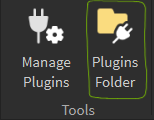
Once you have the rbxm file downloaded on your PC, you can go to: File Explorer > This PC > Local Disk > Users > User > AppData > Local > Roblox > Plugins Like these: Screenshot2025 08 09092708 Pn Or just open the roblox studio and edit any of your existing roblox place/create a new one, and head to the plugins tab and click plugins folder, then insert the downloaded rbxm file into the plugins folder. Screenshot2025 08 09093011 Pn Screenshot2025 08 09093256 Pn Screenshot2025 08 09093412 Pn

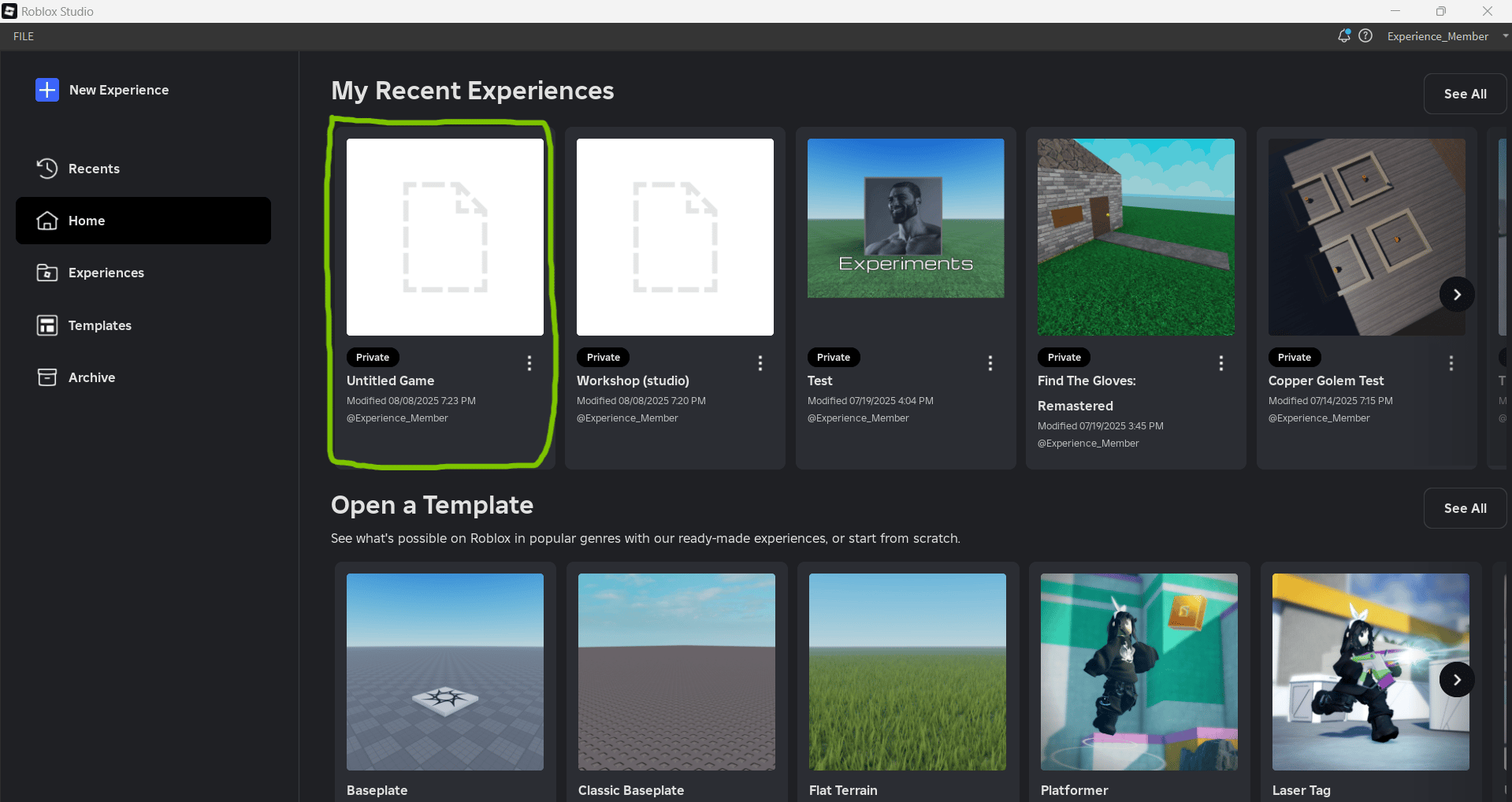
WARNING: Using this on an unpublished game will make the executor unstable.