> ## Documentation Index
> Fetch the complete documentation index at: https://eco-804c21df.mintlify.site/llms.txt
> Use this file to discover all available pages before exploring further.
# Setup
> Setting up the plugin into the roblox studio.
### Installing the plugin to the Roblox Studio
Once you have the rbxm file downloaded on your PC, you can go to: **File Explorer** > **This PC** > **Local Disk** > **Users** > **User** > **AppData** > **Local** > **Roblox** > **Plugins**
Like these:
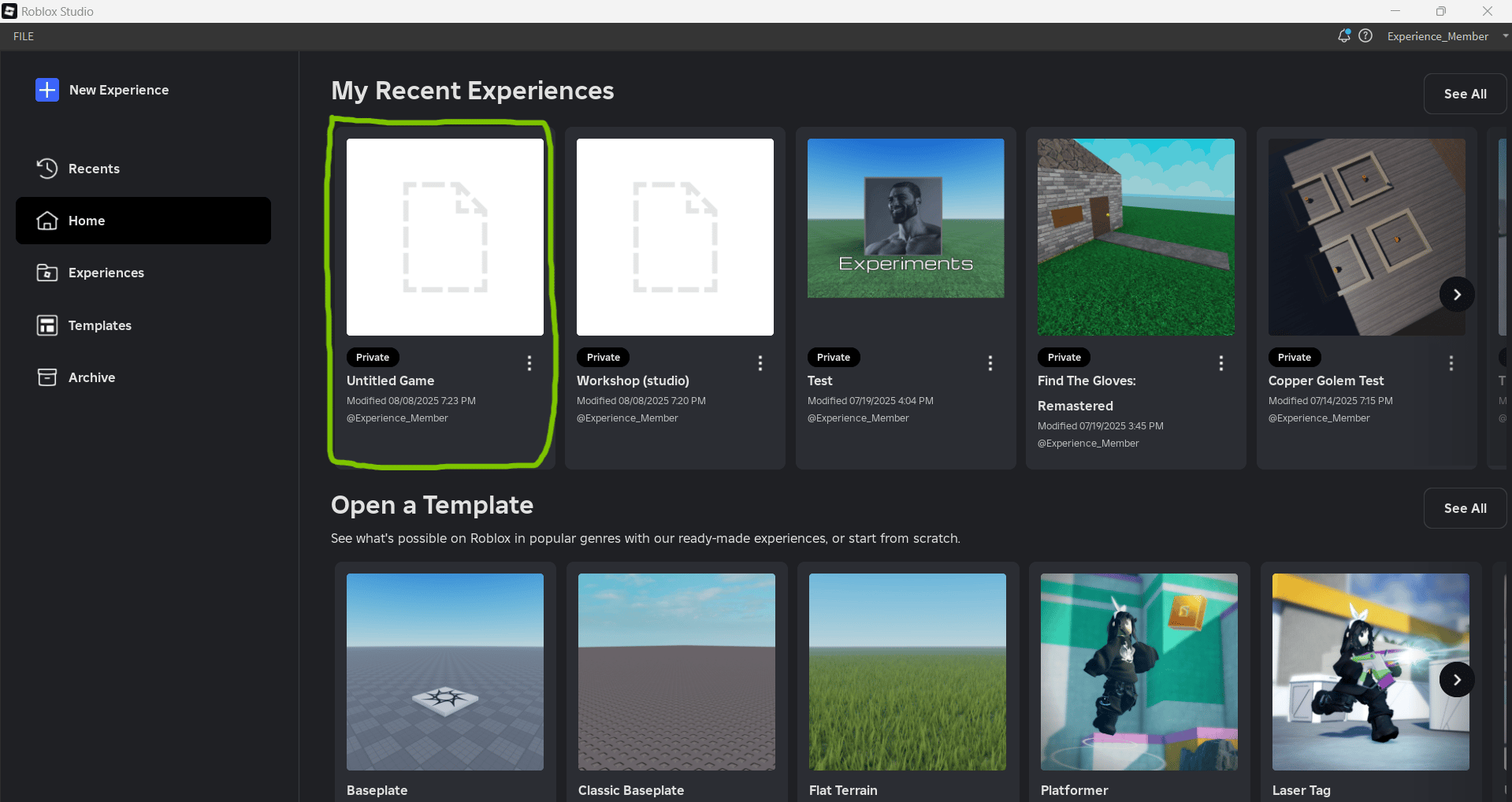
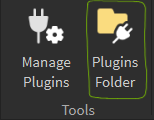
 Or just open the roblox studio and edit any of your existing roblox place/create a new one, and head to the plugins tab and click plugins folder, then insert the downloaded rbxm file into the plugins folder.

 **WARNING**:
Using this on an unpublished game will make the executor unstable.
**WARNING**:
Using this on an unpublished game will make the executor unstable.